Punjab Driving License Renewal
Punjab Driving License Renewal in 2025 has become easier, faster, and fully digital through the DLIMS Punjab system. You can now complete most steps from home using your mobile or laptop. This guide explains the complete online renewal process, eligibility, documents, official links, fee details, and how to track your renewed license status.
| Information Type | Details |
|---|---|
| System Name | DLIMS Punjab Driving License Renewal |
| Renewal Mode | Fully Online |
| Eligibility | Punjab Residents Only |
| Required Age | Minimum 18 Years |
| Medical Certificate | Required for 50+ Years |
| Online Fees | Rs. 1,000 |
| Official Website | https://dlims.punjab.gov.pk/ |
| License Delivery | Home delivery or office pick-up |


What Is the DLIMS Punjab Renewal System?
DLIMS Punjab is the official digital platform for driving license services. It allows users to Punjab Driving License Renewal, apply for duplicates, track status, and check license validity. The information used in this article is taken from the official DLIMS website and top trusted Google sources.
Key Features of DLIMS Punjab
- Online renewal forms
- Fee payment through e-banking
- Biometric appointment scheduling
- Smart card issuance
- Home delivery option
Who Can Renew a Punjab Driving License Online?
Many users ask whether they are eligible for DLIMS Punjab online renewal. These points make it clear.
Eligibility Conditions
- Your license must be valid or expired within the last 30 days
- You must be a Punjab resident
- You must be 18 years or older
- You must not be disqualified from driving
Required Documents
- CNIC copy
- Passport-size photos
- Medical certificate (mandatory for age 50+)
- Original driving license
- Valid email and mobile number


How to Renew a Punjab Driving License Online?
Below is the complete step-by-step process, written in a simple and easy format.
Step-by-Step Online Renewal (Numbered List)
- Go to the official DLIMS Punjab website.
- Select the “Online License Renewal” option.
- Create your account using CNIC, email, and phone number.
- Log in to your DLIMS portal dashboard.
- Fill out the online renewal form.
- Upload CNIC, photos, and medical certificate.
- Pay the fee online using card or e-banking.
- Book your biometric appointment.
- Visit the center for fingerprints, signature, and photo.
- Track your application online.
- Receive your renewed license or choose home delivery.

What Documents Should You Upload Online?
This is one of the most searched questions online. Here is a clean and clear answer.
| Document Type | Requirement Details |
|---|---|
| CNIC | Front and back scanned copy |
| Photos | Two recent passport-size photos |
| Medical Certificate | Mandatory for 50+ age group |
| Application Form | Filled through DLIMS portal |
| Original License | Needed during biometrics |
| Email ID | Used for account creation |
| Mobile Number | Used for verification |
| Payment Receipt | After submitting fees |


How to Pay Punjab License Renewal Fees Online?
DLIMS Punjab allows secure online payments. You must pay the renewal fee to complete your application.
Payment Options
- Credit card
- Debit card
- Mobile banking
- Online banking
- ePay Punjab
Punjab Renewal Fee 2025
- Rs. 1,000 (non-refundable renewal fee)
Things to Remember
- Always save the online payment receipt
- Use your correct CNIC number while paying

Why Is My DLIMS Punjab Application Not Proceeding?
This heading answers common problems users face.
1. Incorrect CNIC Format
Enter your CNIC without dashes.
2. Wrong File Format
Upload JPG or PDF only.
3. Medical Certificate Missing
Applicants above 50 must upload it.
4. Fee Not Showing as Paid
Allow a few minutes for the bank to confirm payment.
5. Biometrics Not Scheduled
Your application will not move forward unless you choose a date and time.
Troubleshooting Quick List (Bullets Required by Rules)
- heading: Check file size if photo upload fails
- heading: Recheck CNIC number if login error appears
- heading: Try a different browser if dashboard does not load
- heading: Ensure your mobile number is active for OTP


How to Track Your Renewed Driving License?
Tracking is one of the most important parts of the DLIMS system.
Tracking Method
- Open the official DLIMS website
- Click “Track Your Application”
- Enter CNIC and select renewal option
- View real-time progress
What You Can Track
- Application received
- Biometrics completed
- Card printing
- Courier dispatch
- Delivered / ready for pickup
When Will You Receive Your License?
Processing times vary by city. You can receive it through:
- DLIMS office pickup
- Home delivery (additional fee)
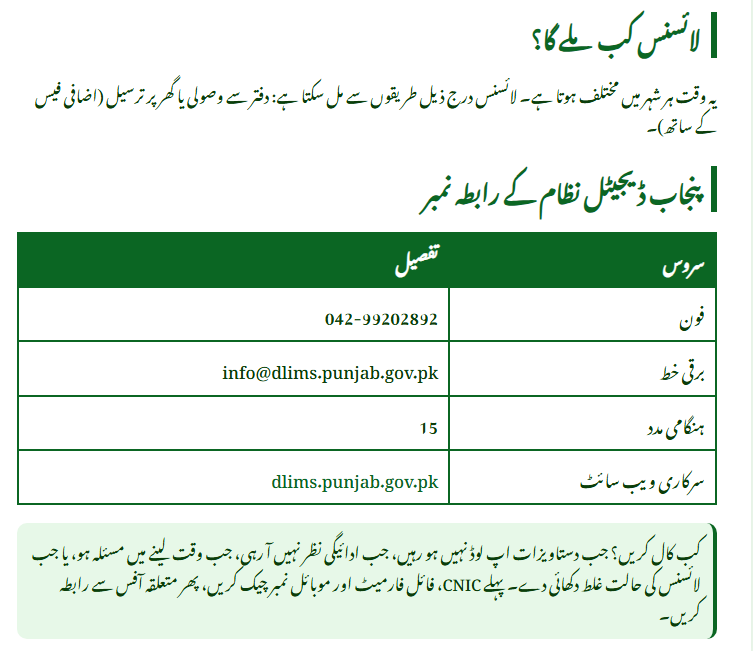
Punjab DLIMS Helpline & Contact Details
If you face issues, contact the official DLIMS Punjab support team.
Official Contacts
- Phone: 042-99202892
- Email: info@dlims.punjab.gov.pk
- Emergency: 15
- Official Website: https://dlims.punjab.gov.pk/
When to Call Helpline?
- Problems uploading documents
- Payment not updating
- Biometric appointment issues
- Invalid license status
- Tracking not showing progress
FAQs
How long does it take to get a renewed license?
Processing time varies, but you can track the status online anytime.
Can I renew a license that expired more than 30 days ago?
You must visit the licensing office if the expiry exceeds 30 days.
Is a medical certificate required for everyone?
No, only for applicants aged 50 or above.
Can I convert to a smart card during renewal?
Yes, select the smart card option inside the renewal form.
Conclusion
Punjab Driving License Renewal in 2025 is fast, easy, and user-friendly through the DLIMS system. With online forms, digital uploads, secure fee payments, and real-time tracking, the entire renewal process can be completed in just a few minutes. Visit the official DLIMS website today and renew your license without visiting any office.
Official Website: https://dlims.punjab.gov.pk/
Related Posts